Cue: The Frictionless To-Do List.
The Problem with “Productivity”
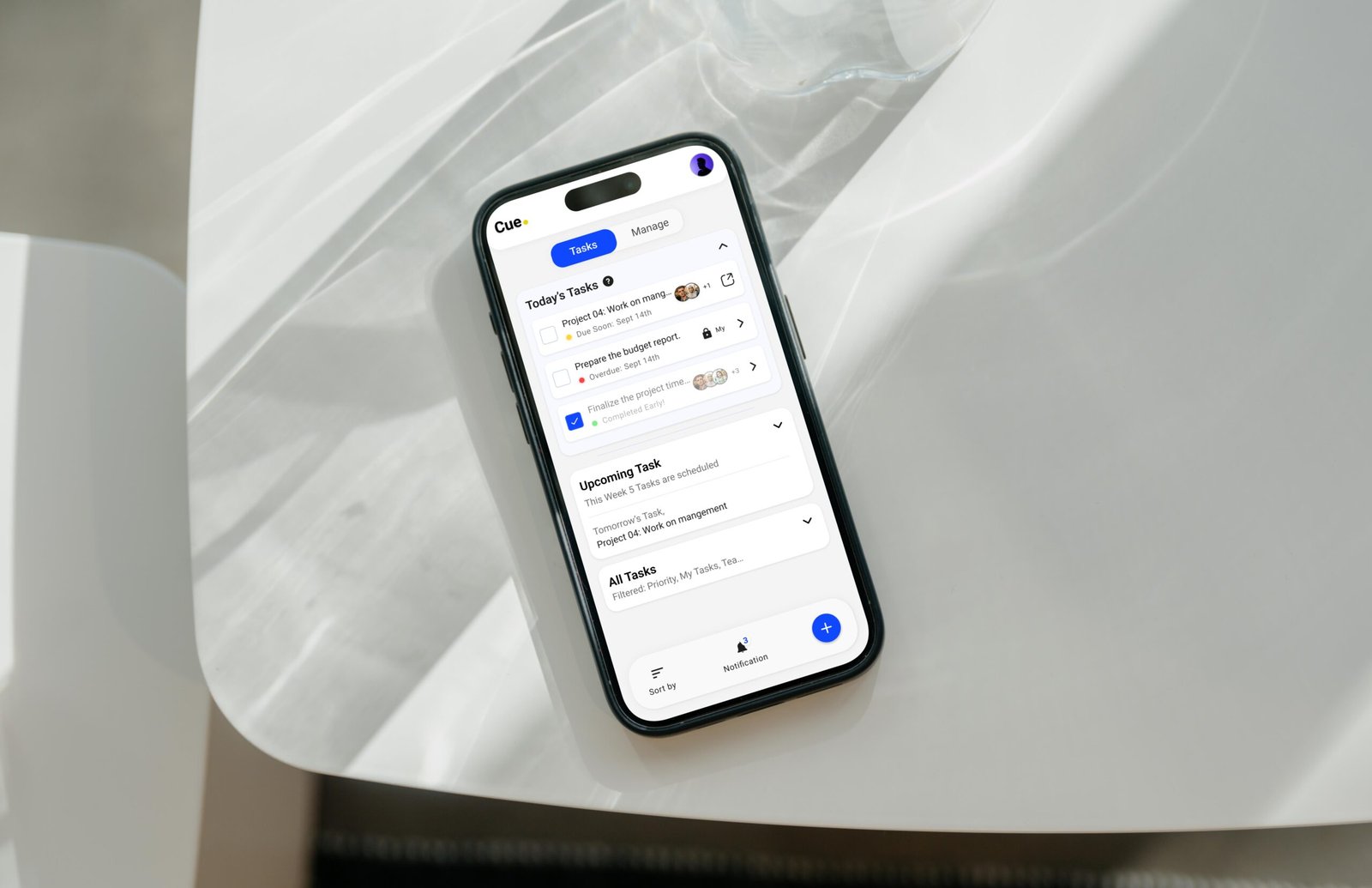
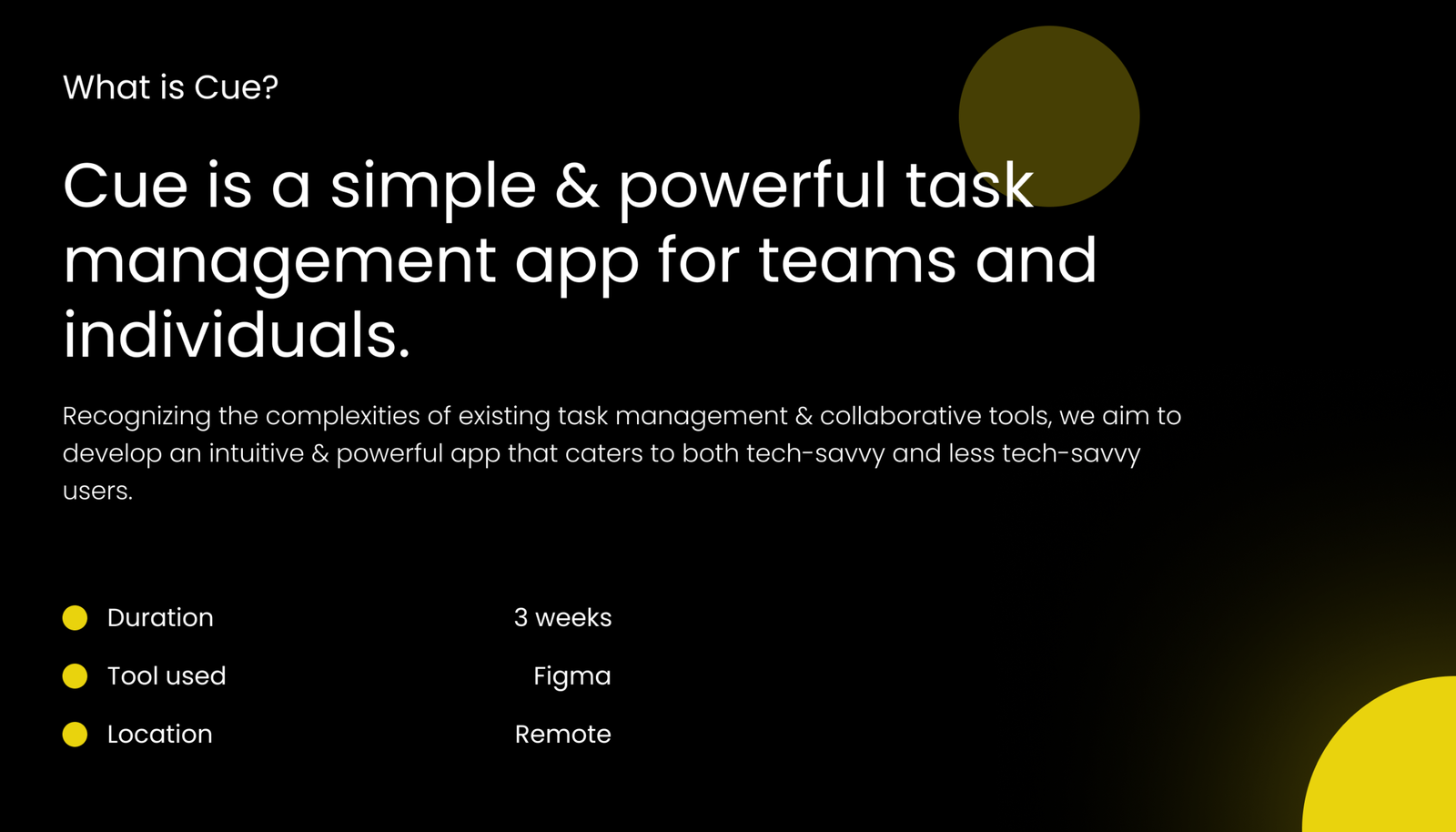
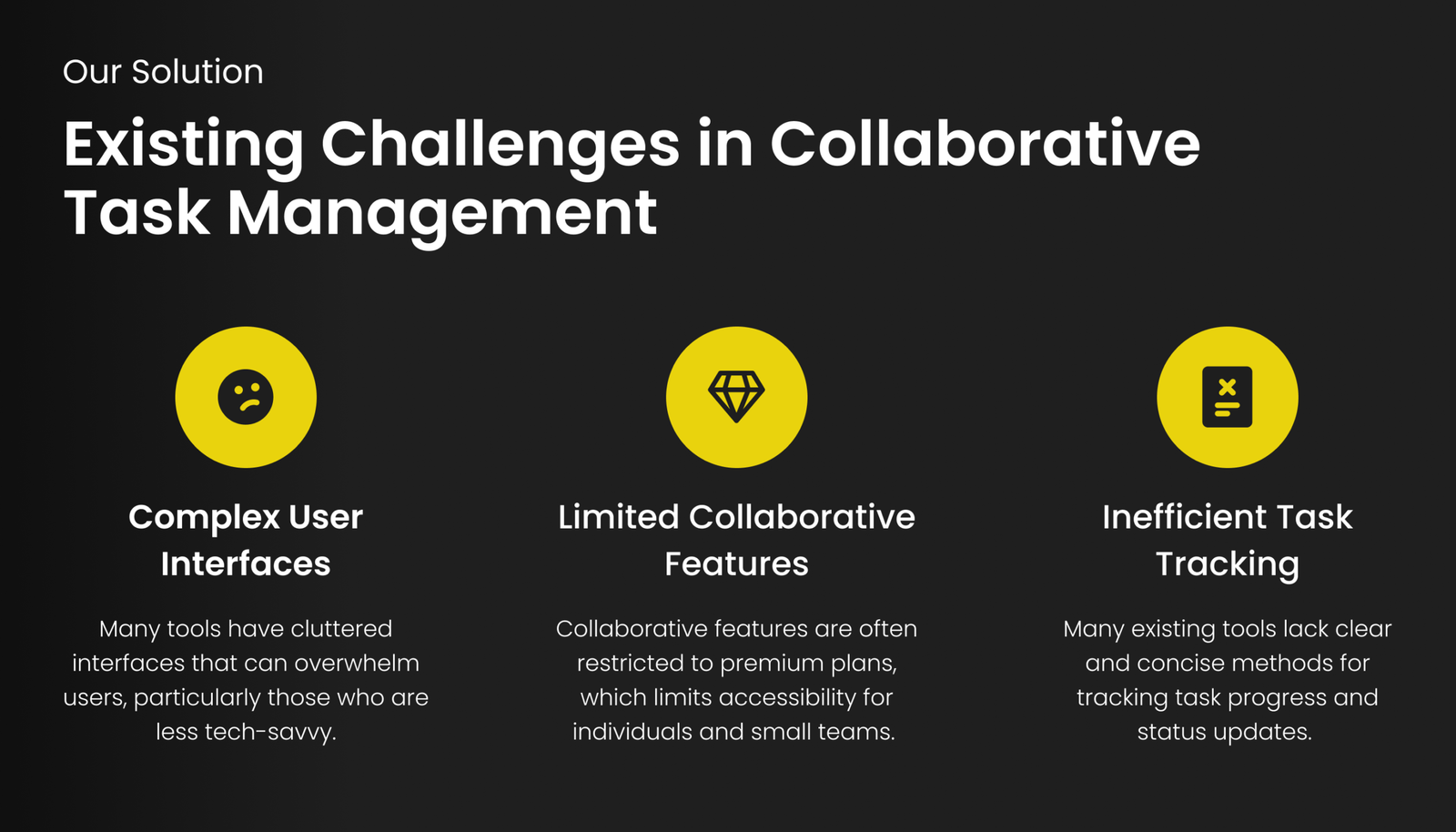
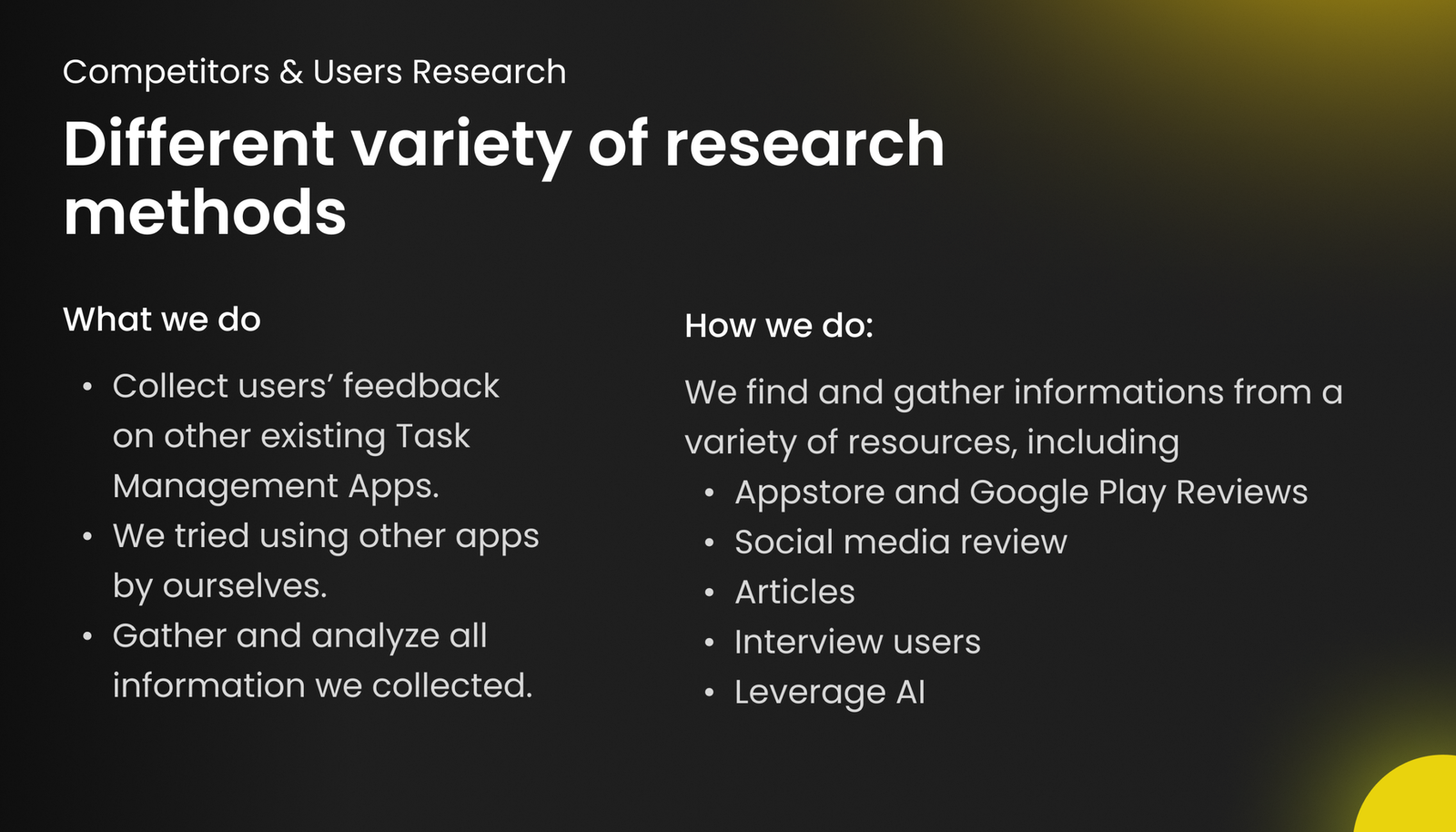
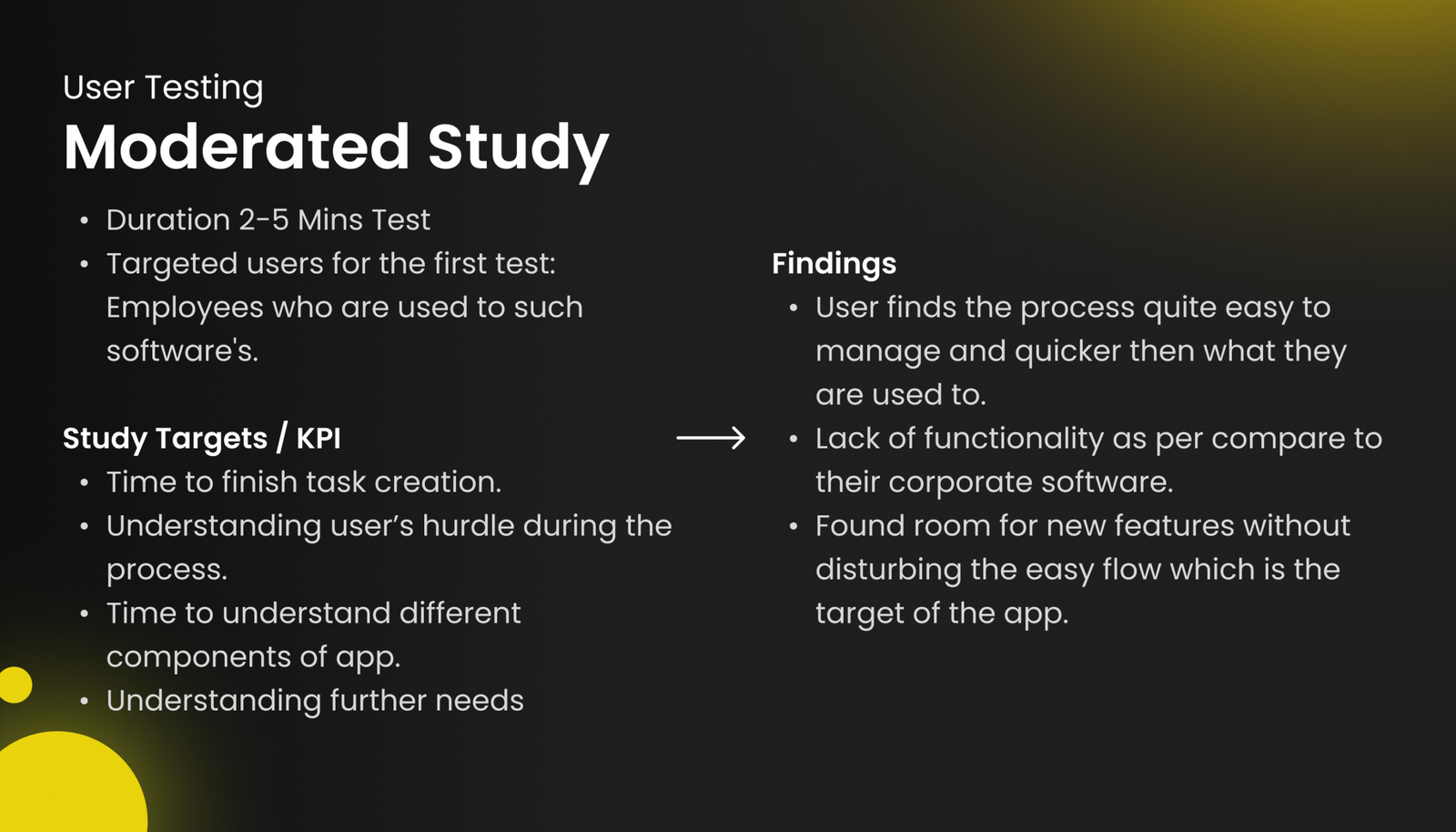
Most task management tools are bloated with complex interfaces that overwhelm everyday users. If you are running a small delivery business or a local shop, your team doesn’t need an agile board or a 10-step manual. They just need to know what their job is today, and they need a button to say they did it. We recognized this friction and set out to build an intuitive, frictionless system that works just as well for the tech-savvy manager as it does for the boots on the ground.
The V2 UI/UX Upgrade
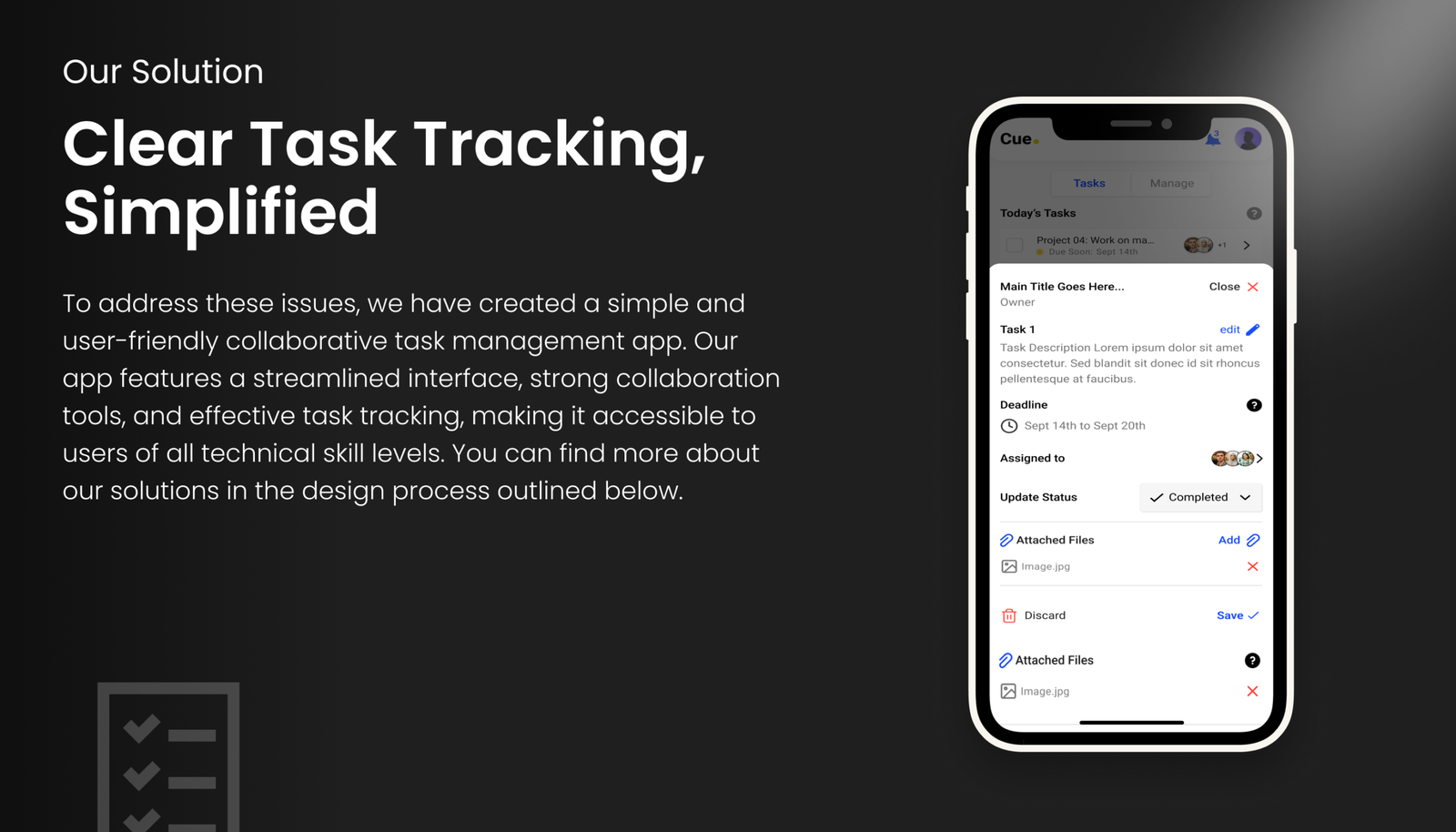
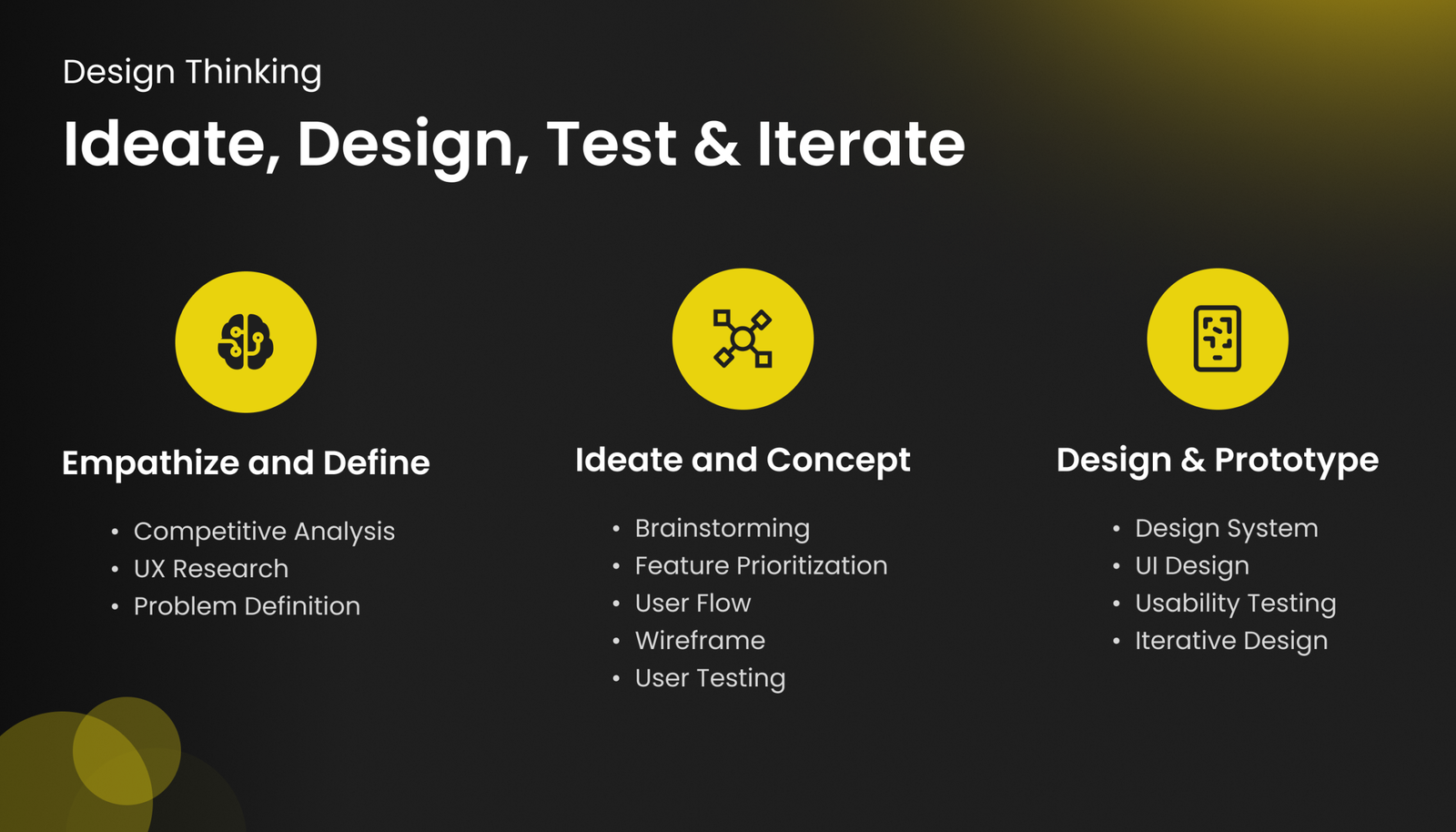
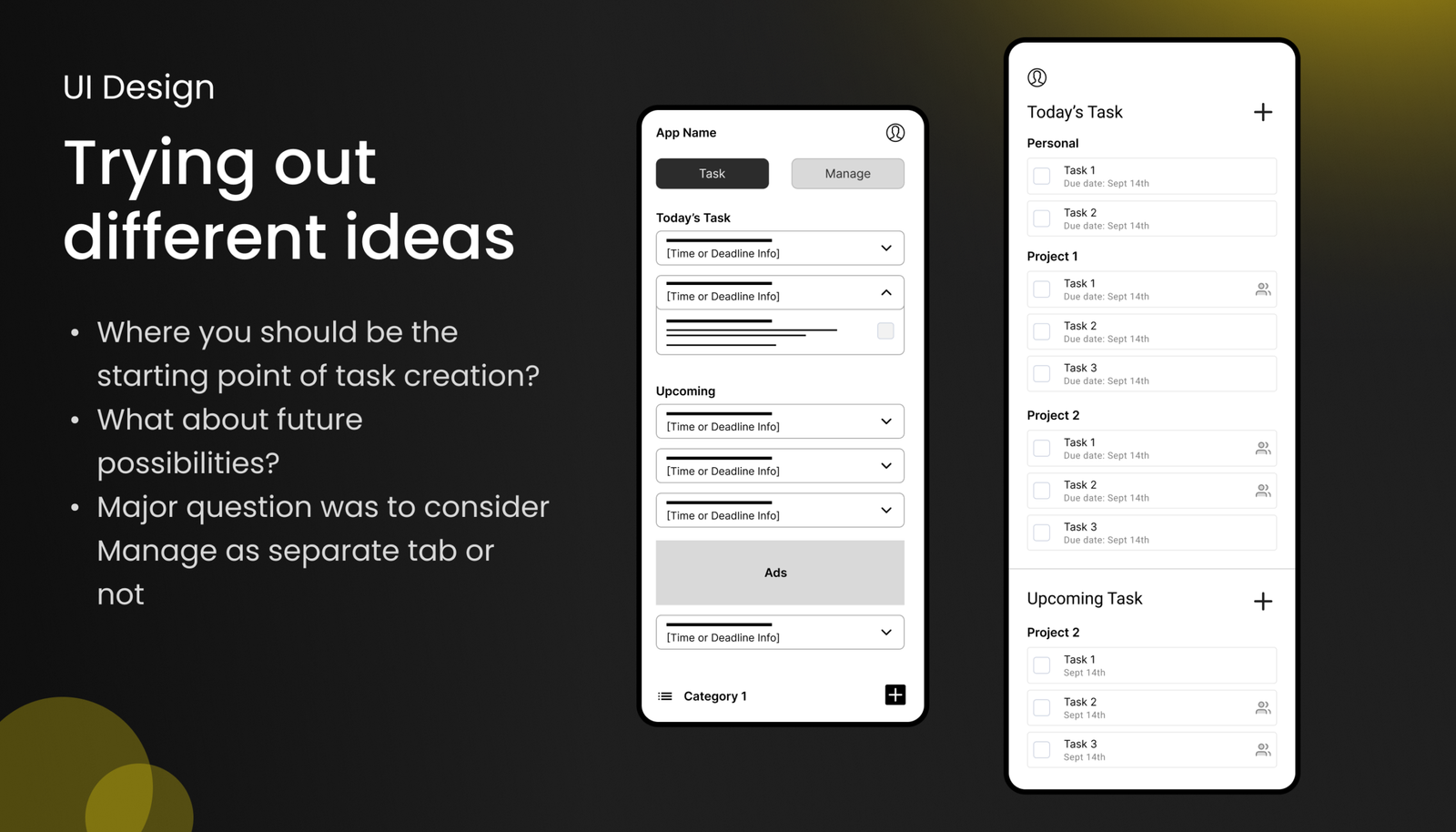
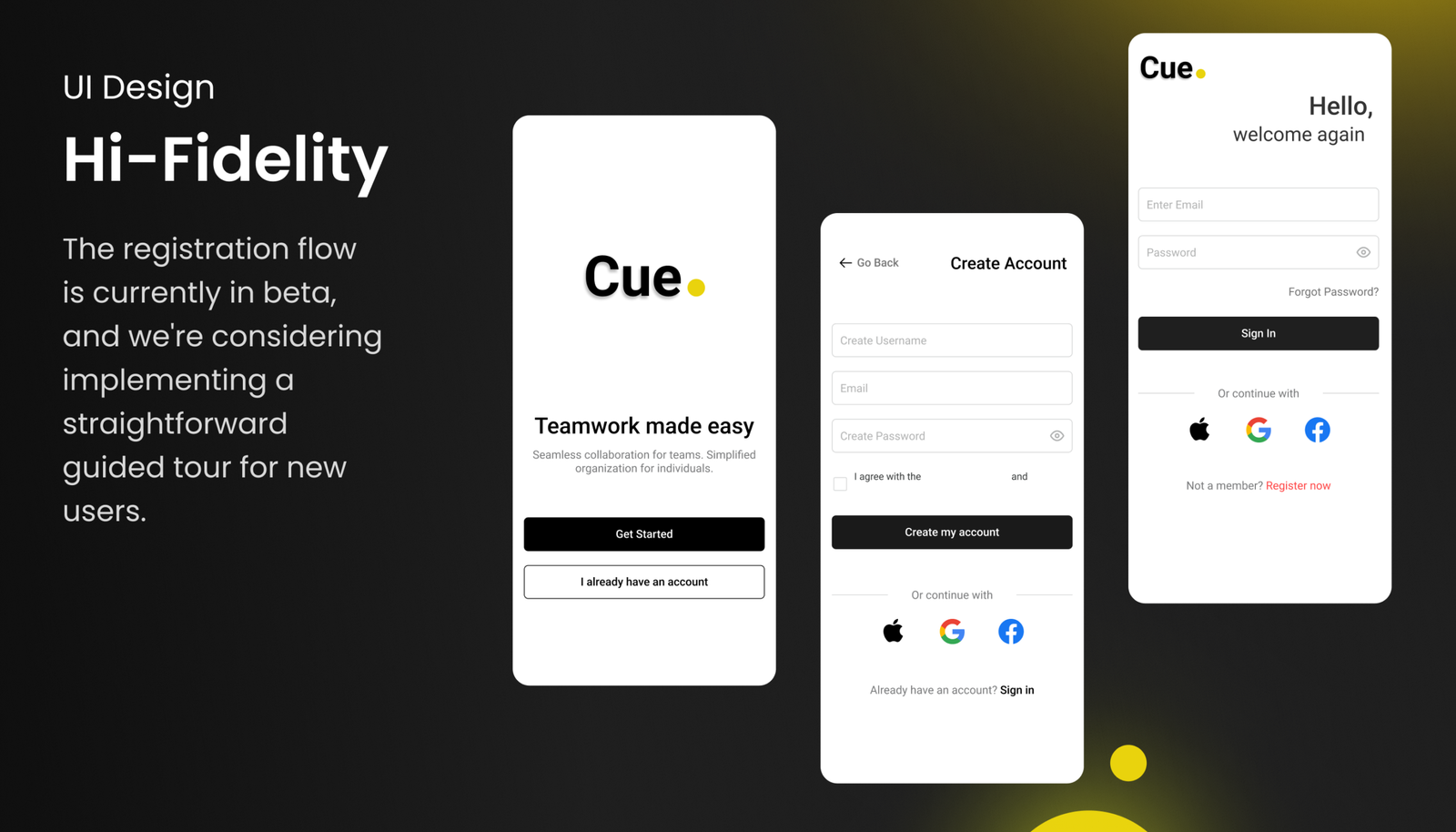
Our initial beta proved the logic, but the system needed a visual refinement. Bypassing low-fidelity wireframes, we moved straight into high-fidelity execution for version 2.0. We introduced a robust Dark Mode and a cleaner visual hierarchy, updating the component system to make task tracking visually effortless and accessible in any environment.
Built for Speed, Not Specs
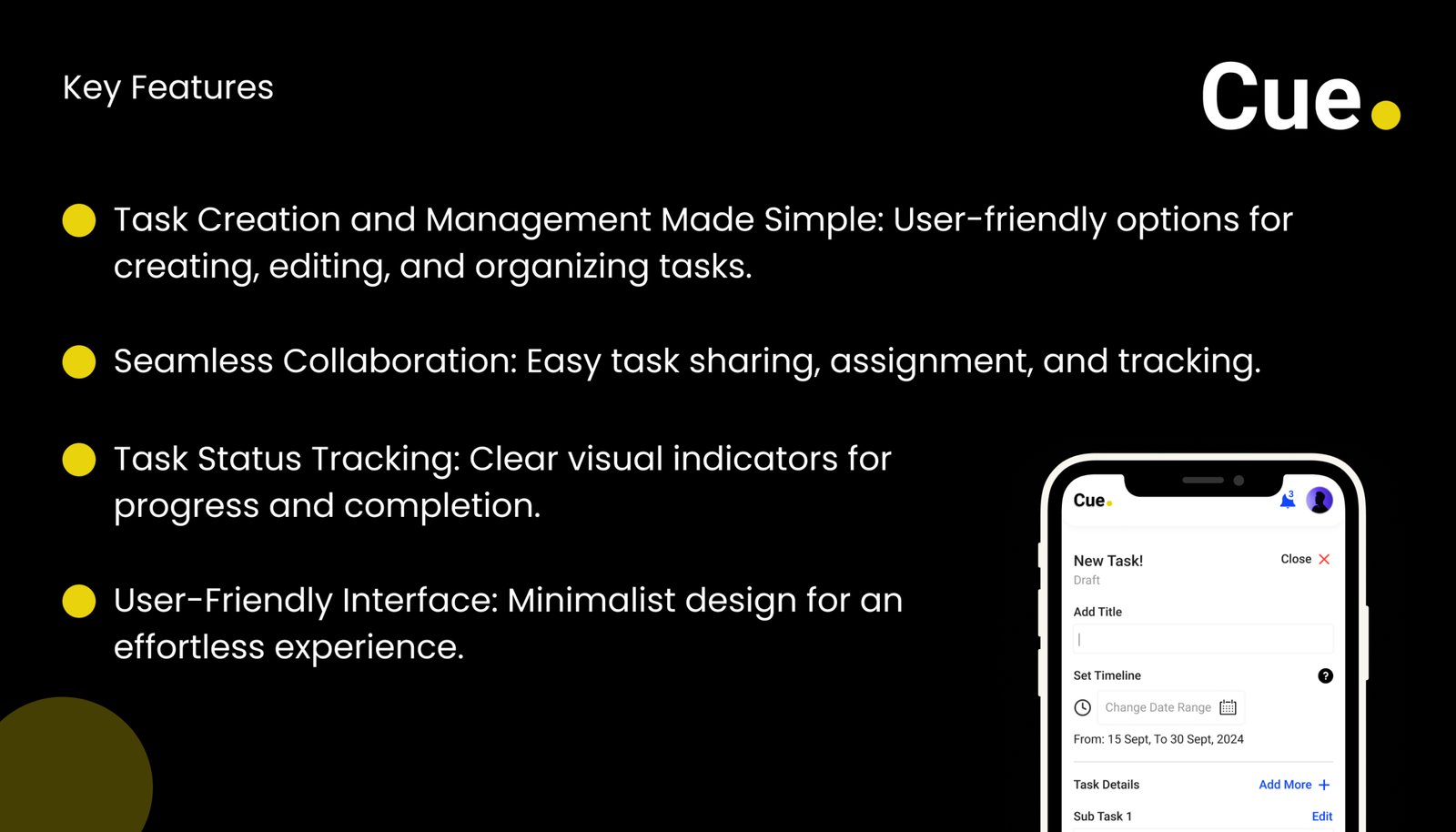
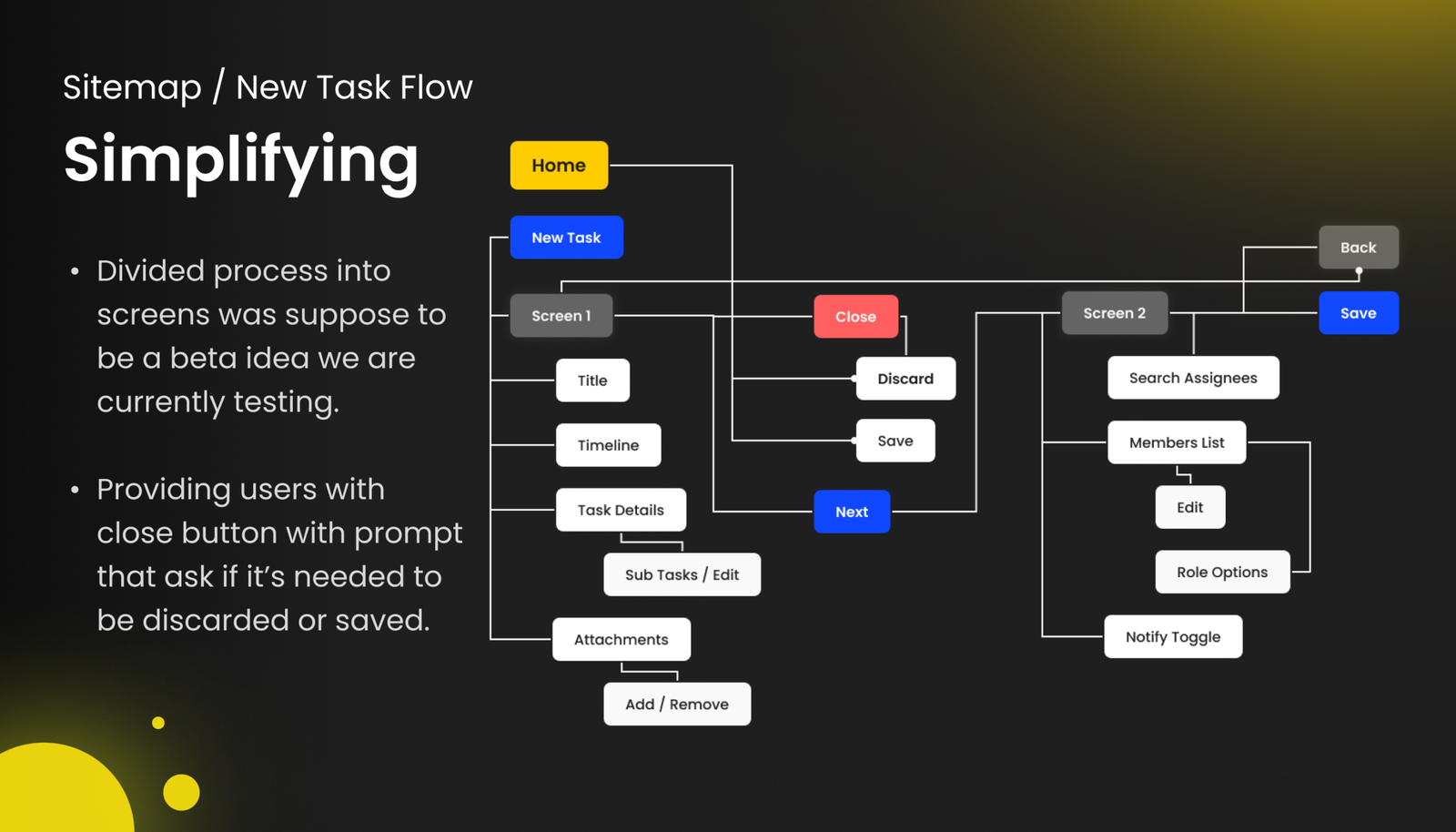
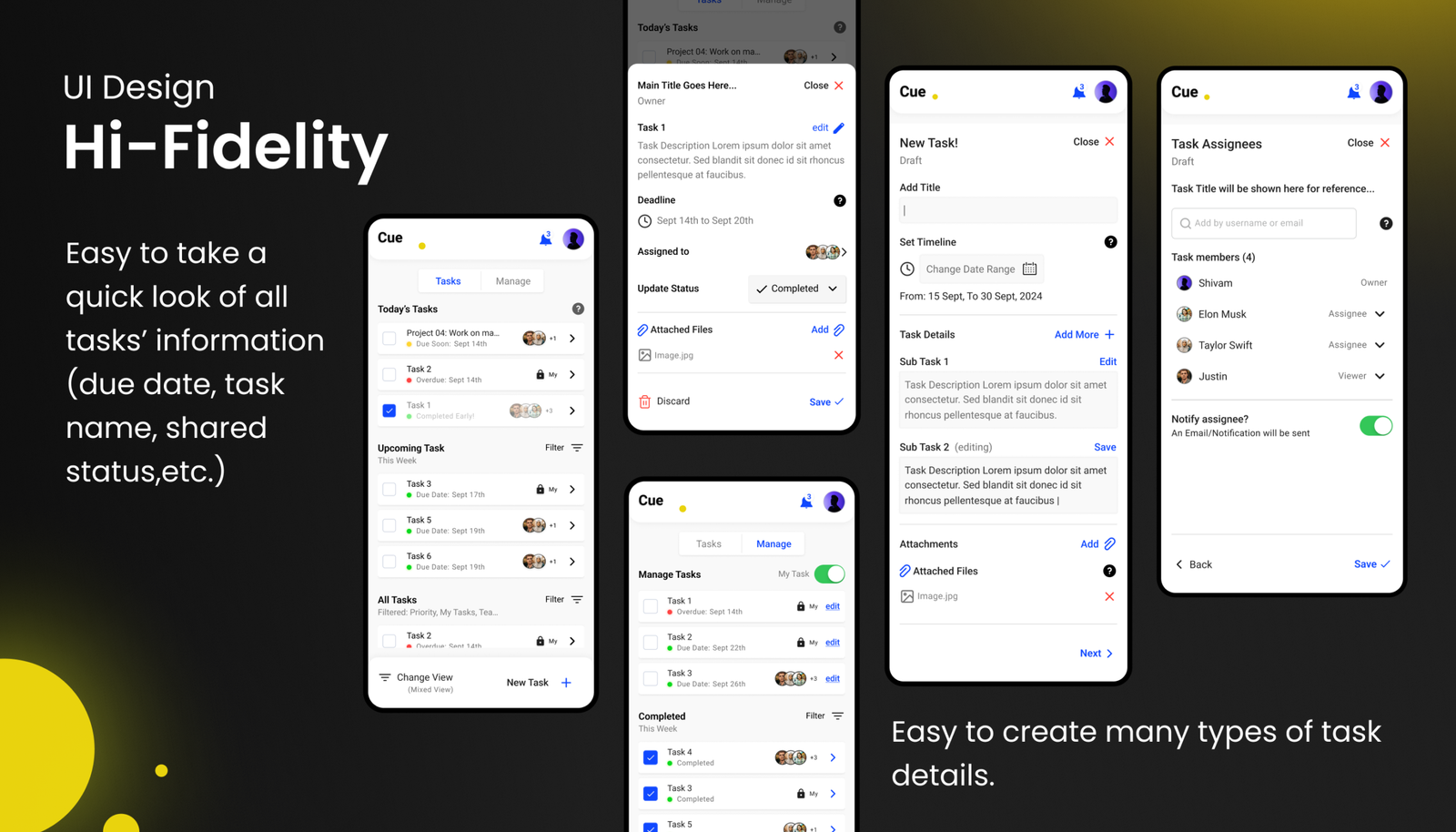
We stripped away the corporate fluff. Cue is designed on a core philosophy: if your team can tap a smartphone screen, they can use this app. By breaking down the task creation process into bite-sized, logical steps, we eliminated the cognitive overload that plagues standard productivity apps. It’s task management distilled to its absolute essentials.
Frictionless Collaboration
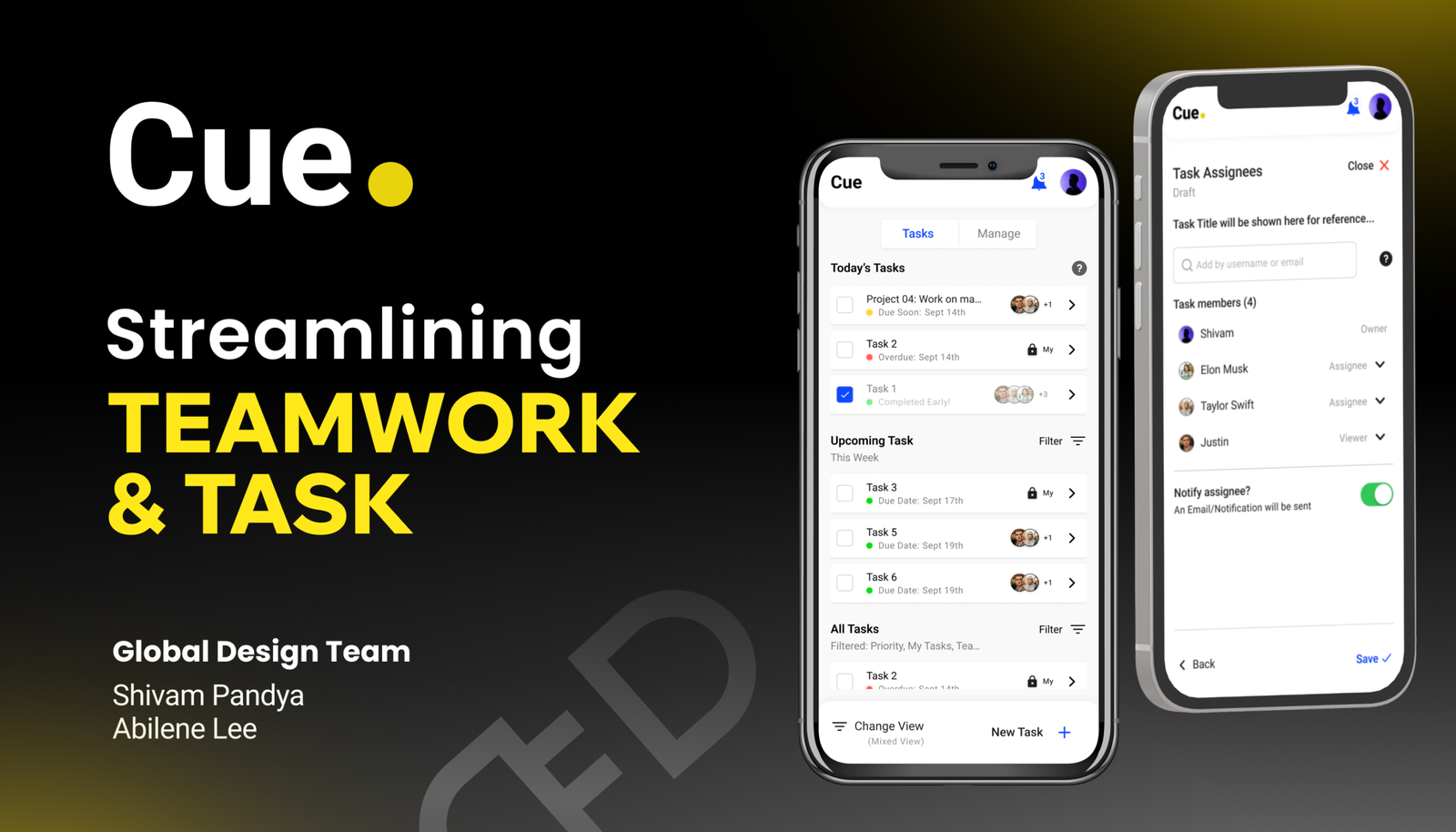
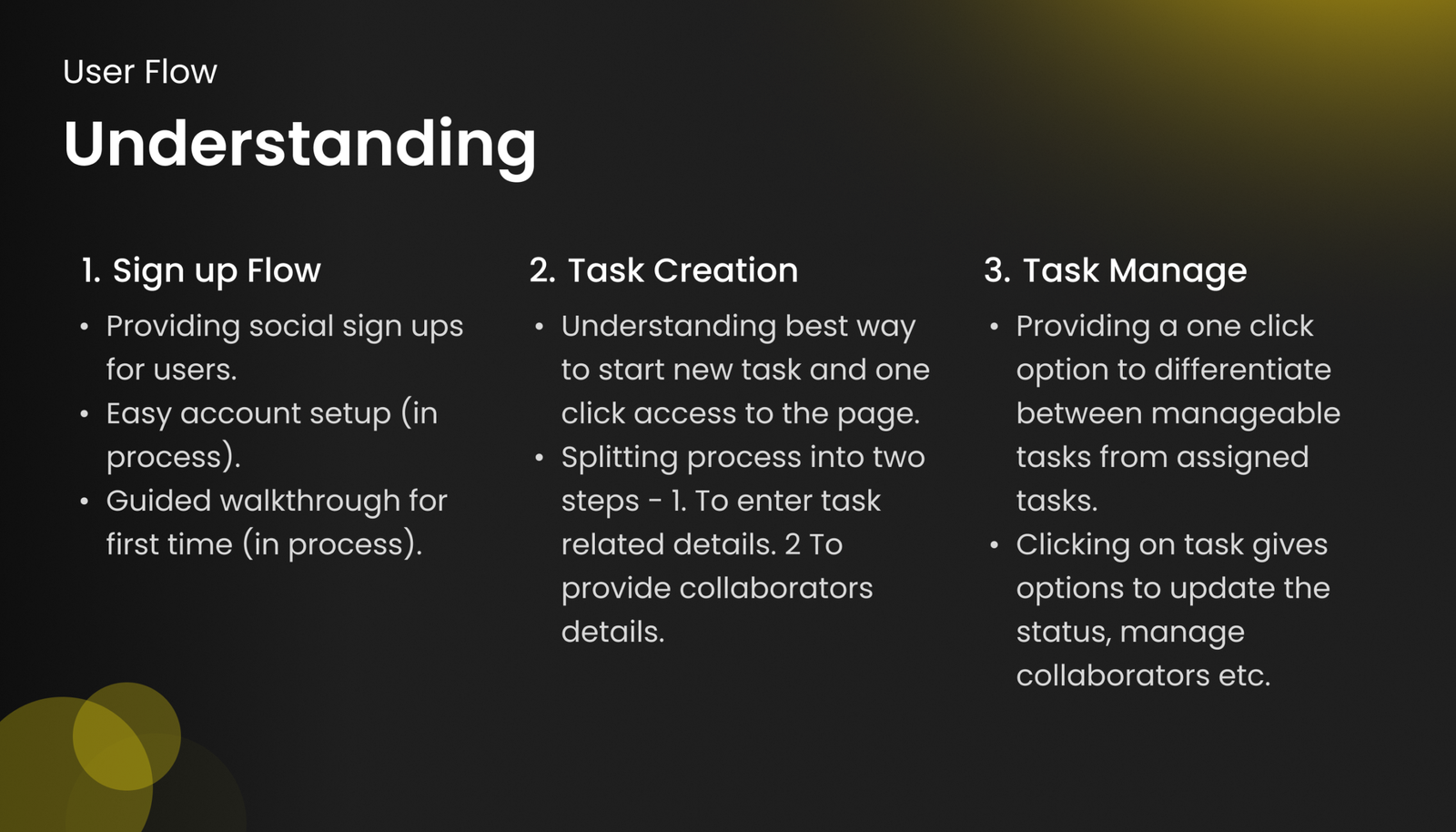
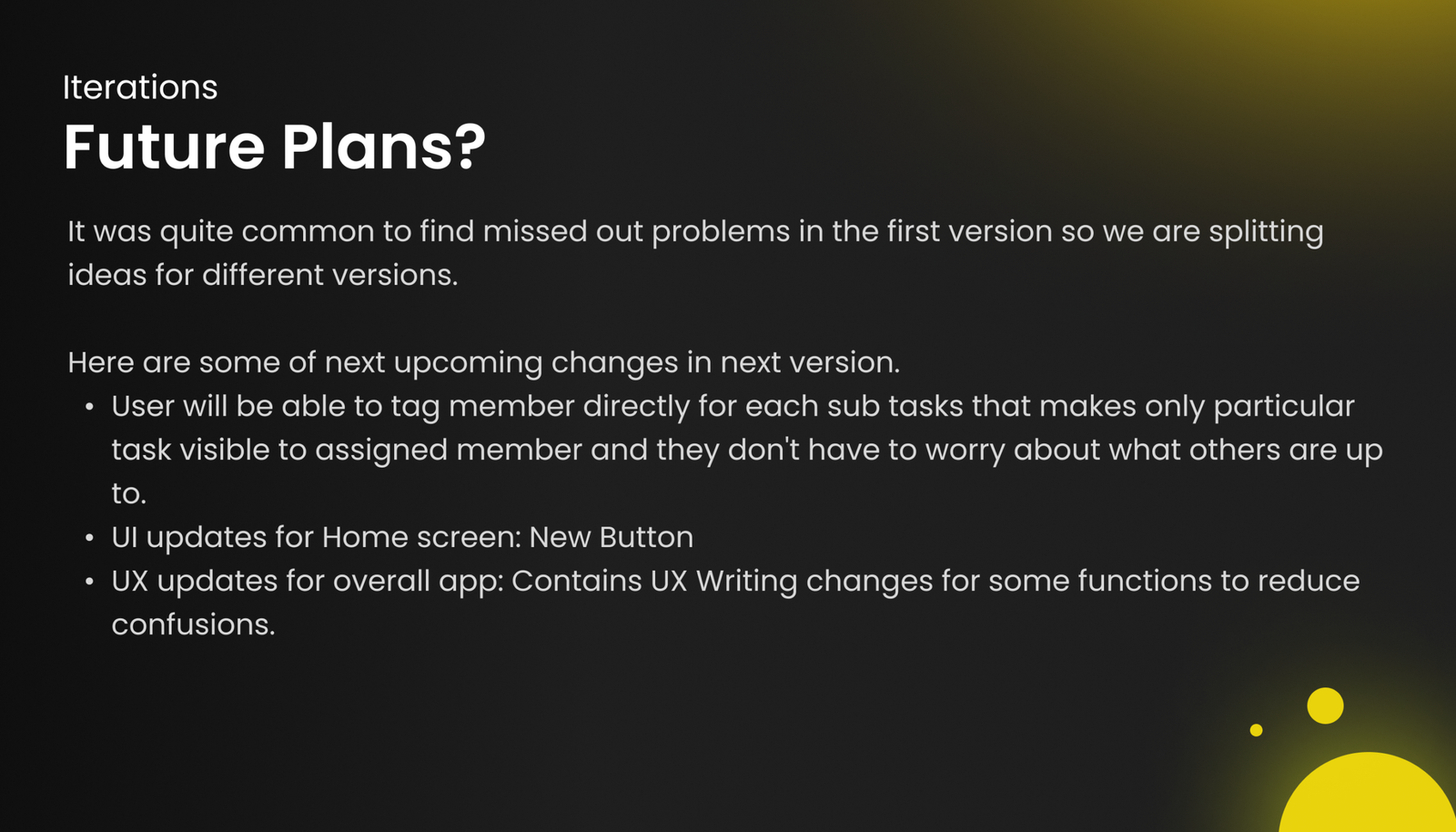
Collaboration shouldn’t require a steep learning curve. We engineered a straightforward assignment flow that distinctly separates “tasks you manage” from “tasks you do.” This creates a unified workspace that seamlessly bridges the gap between managers assigning the work and the team executing it, all without requiring any formal onboarding.
Scalable Design Systems
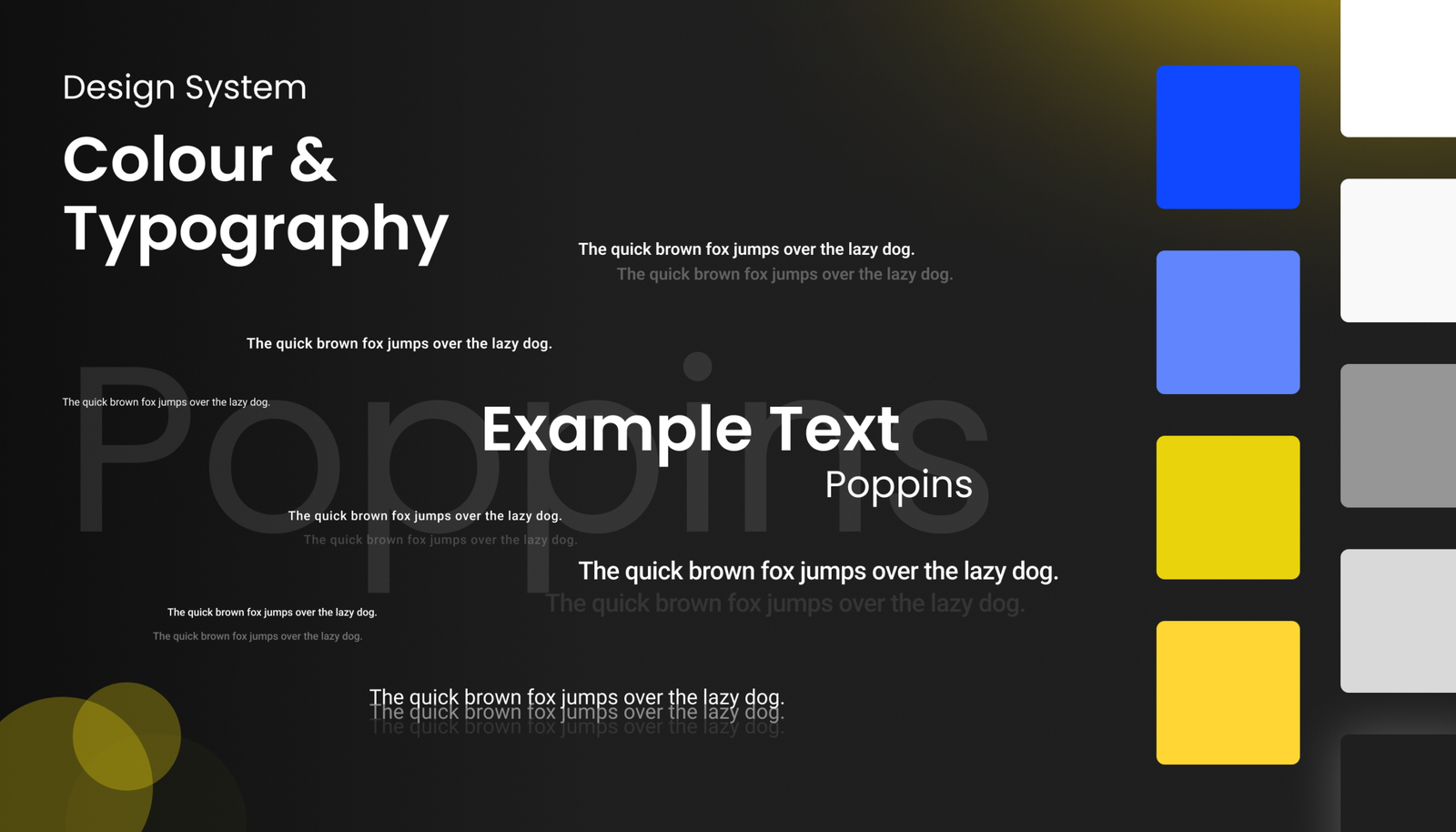
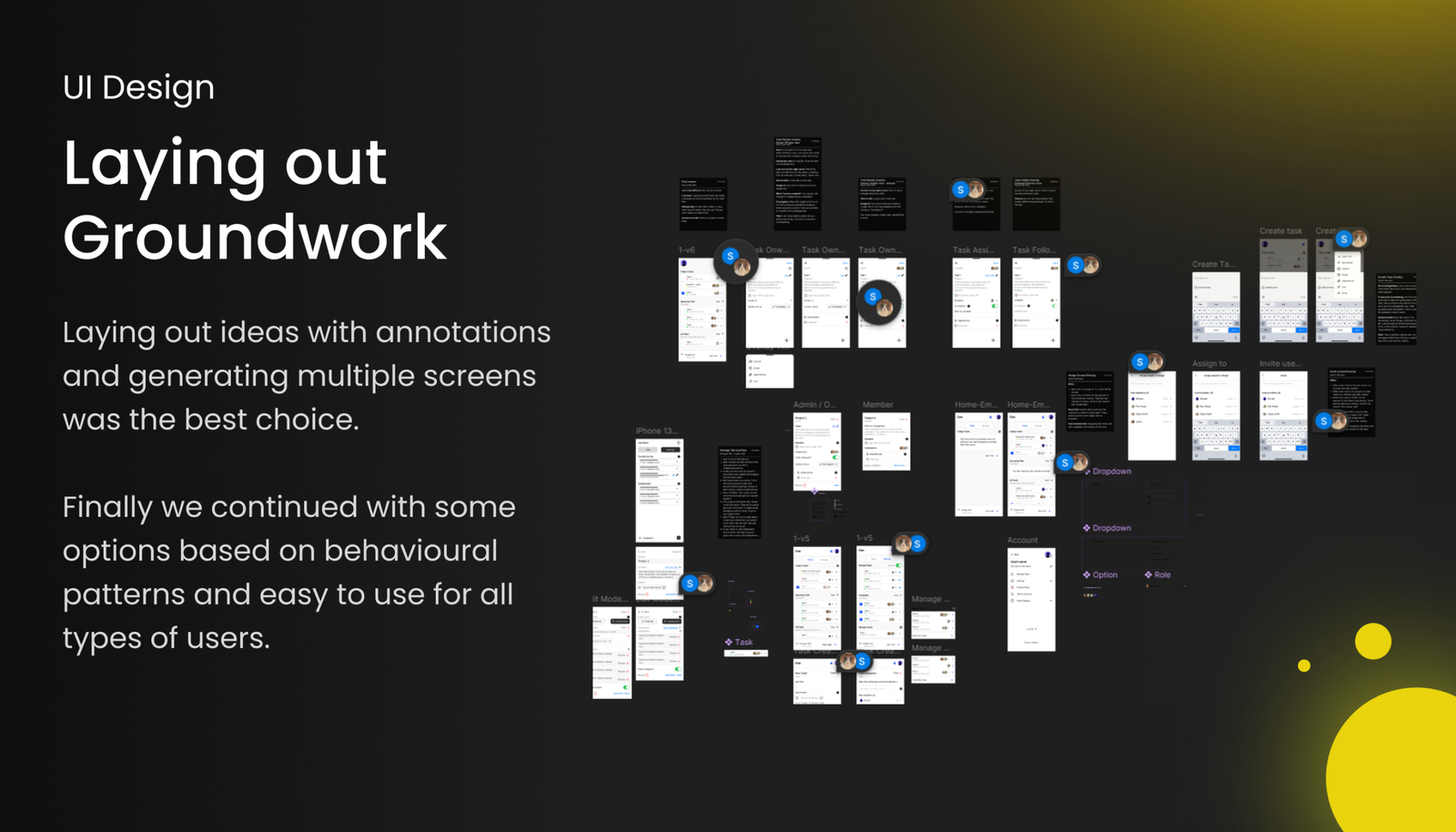
This isn’t just a pretty interface; it’s a living system. By utilizing a highly structured, scalable design system in Figma, we ensured that Cue is completely developer-ready. The result is a pixel-perfect, high-performance prototype that solves a complex logistical problem with elegant, everyday simplicity.
Night and day difference. The older version felt a bit heavy, but this redesign is incredibly smooth and intuitive. I genuinely hope this goes live soon so my team can start using it.
I showed this to my team and they loved the simplicity. It has that easy, familiar 'Google Tasks' feel, but the collaboration tools actually make sense for a group. A really solid upgrade.
The management features are incredibly straightforward. Setup took practically no time, and the new UI is a massive step up. It just gets out of your way and lets you work